
Email Scams Targeting Seniors in Victoria BC (And How to Stay Safe)
I got an urgent email late one night from Carol, one of my regular clients.
I could hear the panic in her words.
“Gavin, I need help!
I’m getting emails from my friends saying that I sent them an email requesting for Amazon gift cards.
I did not send that email!
What’s happening?”
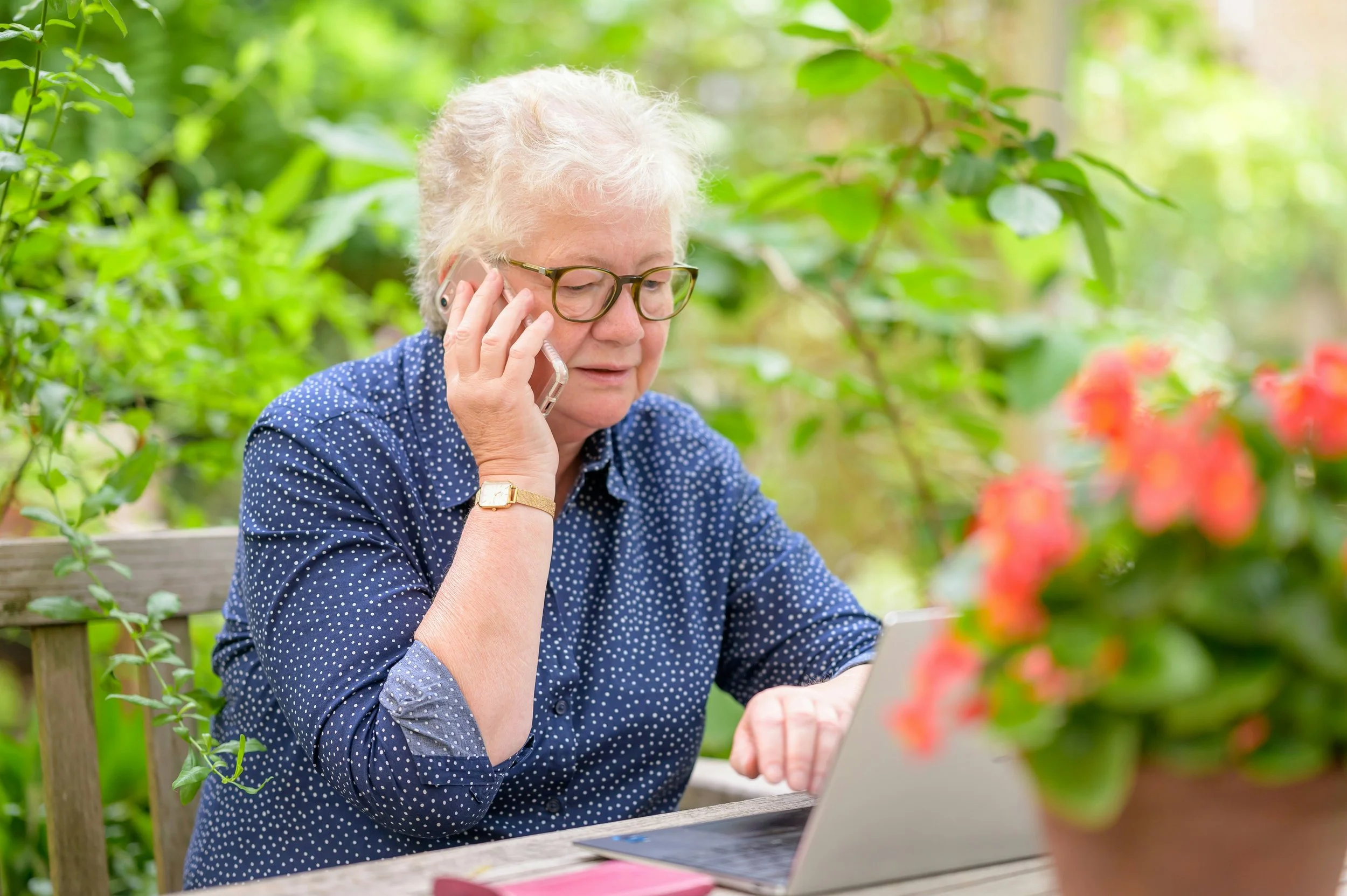
Carol forwarded me the email, and as I suspected, her account had been hacked.
Someone figured out her password, got in, found all her contacts and sent emails to all of them posing as her.
Most of her friends and family figured it was a phishing scam.
But…
A few didn’t.
They unwittingly ended up sending $200 for the gift cards. And when they found out that it was a scam, because it came from Carol’s email, they blamed her.
They now wanted her to repay them and simply could not understand that she had been hijacked.
Needless to say, Carol was beside herself.
Not only had her email been compromised, but now she had to deal with the ire of a couple of friends who were convinced that it was her fault.
Does this sound familiar?
Would you be surprised to learn that 20% of my clients, here in Victoria BC, have been scammed in this way?
One of them even sits on the Victoria Police Board of Directors.
Then What Happened?
I got to Carol’s place first thing in the morning.
I could see she was not her cheery self, she was quite rattled.
So the first thing we did was change her password. Then we turned on two factor authentication (2FA).
2FA is essentially a backup solution to ensure that whoever is trying to access your email, will have to also have access to your cell phone or a different email where a 6 digit code is sent to.
This makes it extremely difficult for someone else to access your account, which is why banks and major companies use it.
As I scoured through Carol’s email settings, we found that the scammer had also created a rule in her Outlook Mail.
The rule was to automatically forwarded her emails to the scammer’s own made up address that looks almost identical to hers.
From there, they could read all the replies and continue the conversation with her friends and family pretending to be her.
This isn’t something most people would ever think to check, which is why it’s often missed.
Although this fix didn’t take that long, the experience was very troubling for Carol. It was her first time getting hacked on such a large scale.
So after all the details were changed, a new stronger password was created, Carol asked how this could have happen?
How was someone able to figure out her password and get into her email?
More importantly, what could she do to prevent this from happening again?
The Reasons You Get Breached
1. The Same Password Used Everywhere
This is the most common reason.
Because a lot of seniors have a hard time remembering all their passwords, they tend to use the same one on most of their websites.
All it takes is for one of those websites to get hacked, and the hacker will have access to all of the people in that data base.
The hacker then will use an algorithm to try all those usernames and passwords for Shaw, Telus and Gmail addresses and many of them will work.
2. “Urgent Emails” Phishing Scam
You might receive an email saying your account is locked or compromised, please remedy immediately!
Then they’d want you to click a link and enter your Apple or Windows ID and password.
After you click the link, it takes you to a fake Apple or Windows (or government, FedEx, Amazon) page that looks exactly like the original and asks you to enter your details.
The rest is history.
3. Old Data Breaches
So imagine this, a few years ago, you sign up to a travel discount site, or a cooking recipe site and then forgot all about it.
These smaller sites may not be hosted on the most secure or up-to-date servers.
If they’re hacked, your email and password can be exposed without you ever knowing.
And it is much easier for a hacker to break into these lower security servers to steal people’s usernames and passwords.
This is their low hanging fruit.
What Can You Do To Stay Safe
Use a strong, unique password
(e.g. $John#1234#Smith$ vs johnsmith123)Check your password app for reused or compromised passwords
Close old accounts you no longer use
(make sure to log into the site and delete your account first)Never enter your login details through a link in an email.
Instead, open your browser and go directly to the website yourself
The Good News
The good news is that situations like this can usually be resolved fairly quickly.
In most cases, it comes down to resetting passwords and adding a few simple protections.
If you’re dealing with something like this and aren’t sure what to do next, feel free to reach out.
I’m always happy to help.
You don’t have to do this alone.
Click here to send me a message.
Gavin
Clear and patient tech support for seniors in Victoria BC
